AI agents installed in your studio. One agent runs 3ds Max for you: it reads the floor plan, models, applies PBR materials, sets the lighting and sends the render. Others handle customer service, prospecting, CRM and finance. You direct everything from your phone.
1-year access · Installation guided by lessons · You only approveA small studio always gets stuck in the same place: while you model, nobody prospects. While you answer clients, nobody models. And at the end of the month nobody really knows how much came in.
Runs 3ds Max on your computer by voice or text. You say what you want, like a director, and it executes and shows the result.
Answers clients, receives files, organizes the briefing and only calls you when it needs your decision.
Finds architects, builders and developers by city and writes the first message. Nothing goes out until you approve the batch.
Tracks every lead, from the first message to closing, and tells you who replied and who needs a follow-up.
Organizes what came in, what is due to arrive and what is about to expire, and sends you the summary.
Builds the proposal with your price list and turns approved renders into Instagram and LinkedIn posts.
Coordinates all agents, watches for anything stuck and sends you a bulletin every morning: what is going well and what is not.
The agents work on the studio computer, which stays on at all times. You give orders and approve results through WhatsApp or the app: at the beach, by the pool with a coconut water in hand or on a business trip. The studio produces, and you control everything from your phone, from anywhere in the world.
Speak into the microphone or type. You ask and the agent does it in 3ds Max, right in front of you.
The same conversation as on the computer, in your pocket. You follow each agent, see the images and approve what goes to the client.
Send a text or an audio, as you would to an employee: "model the client's house", "render the living room". The answer comes back on WhatsApp, with the image.
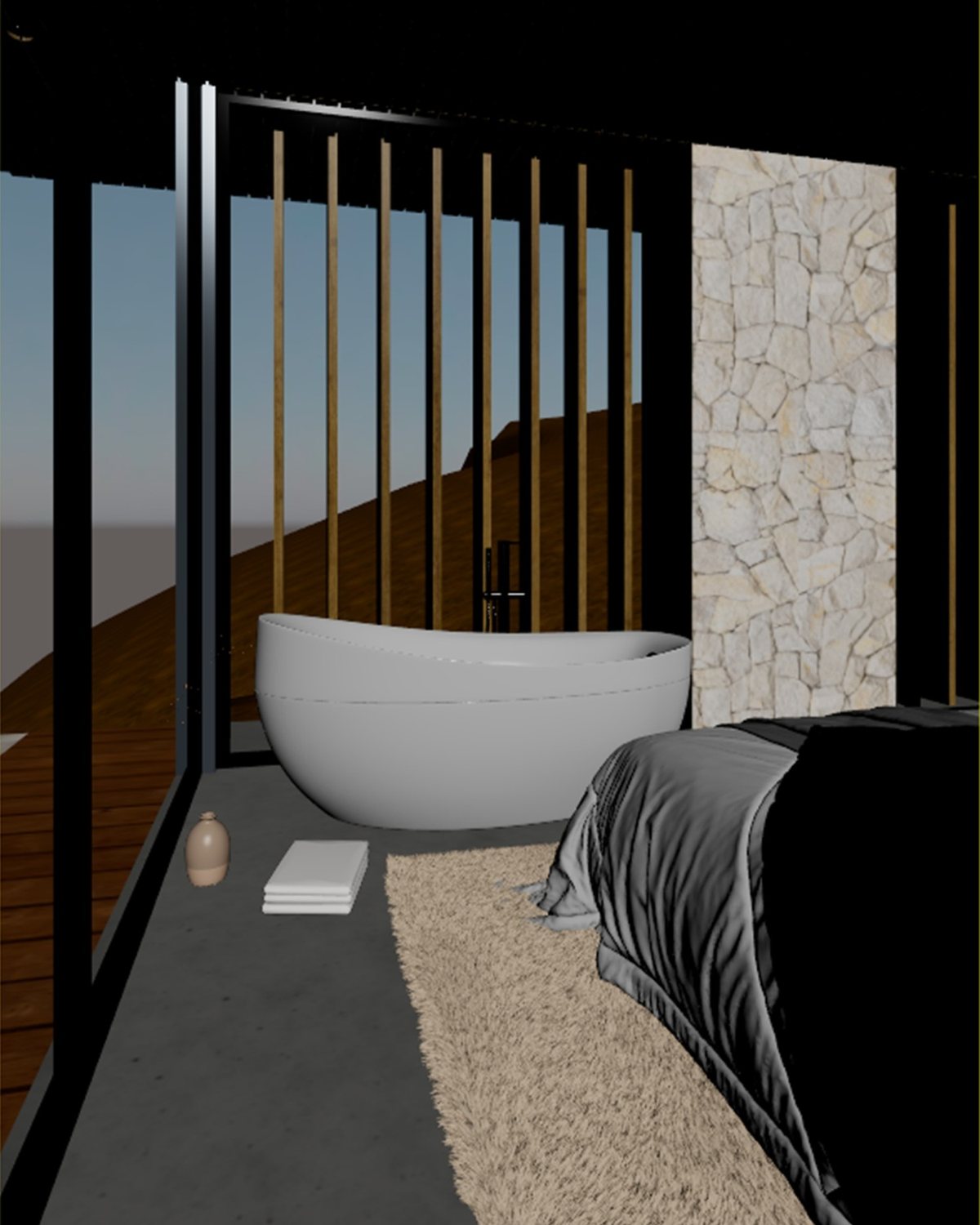
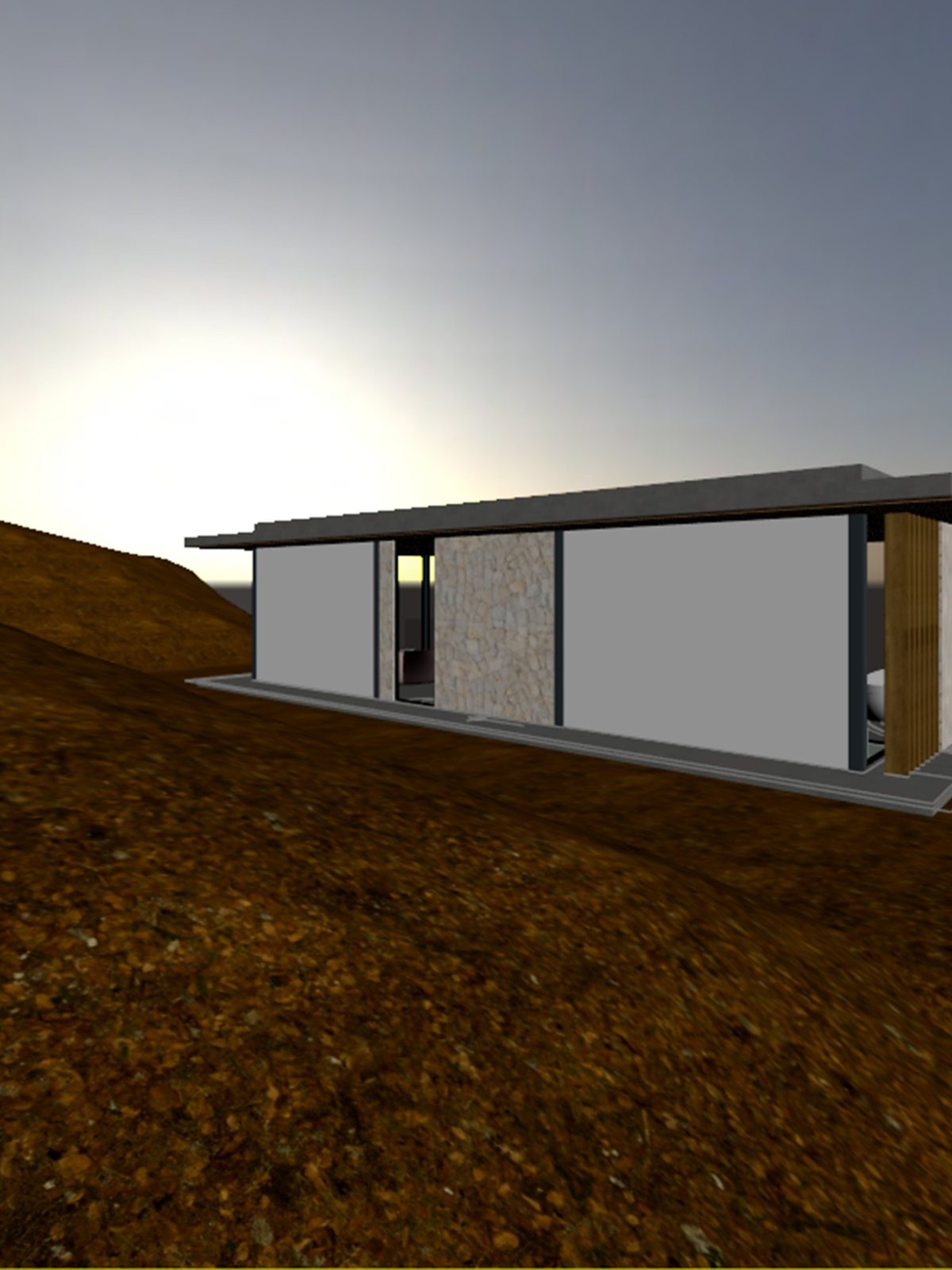
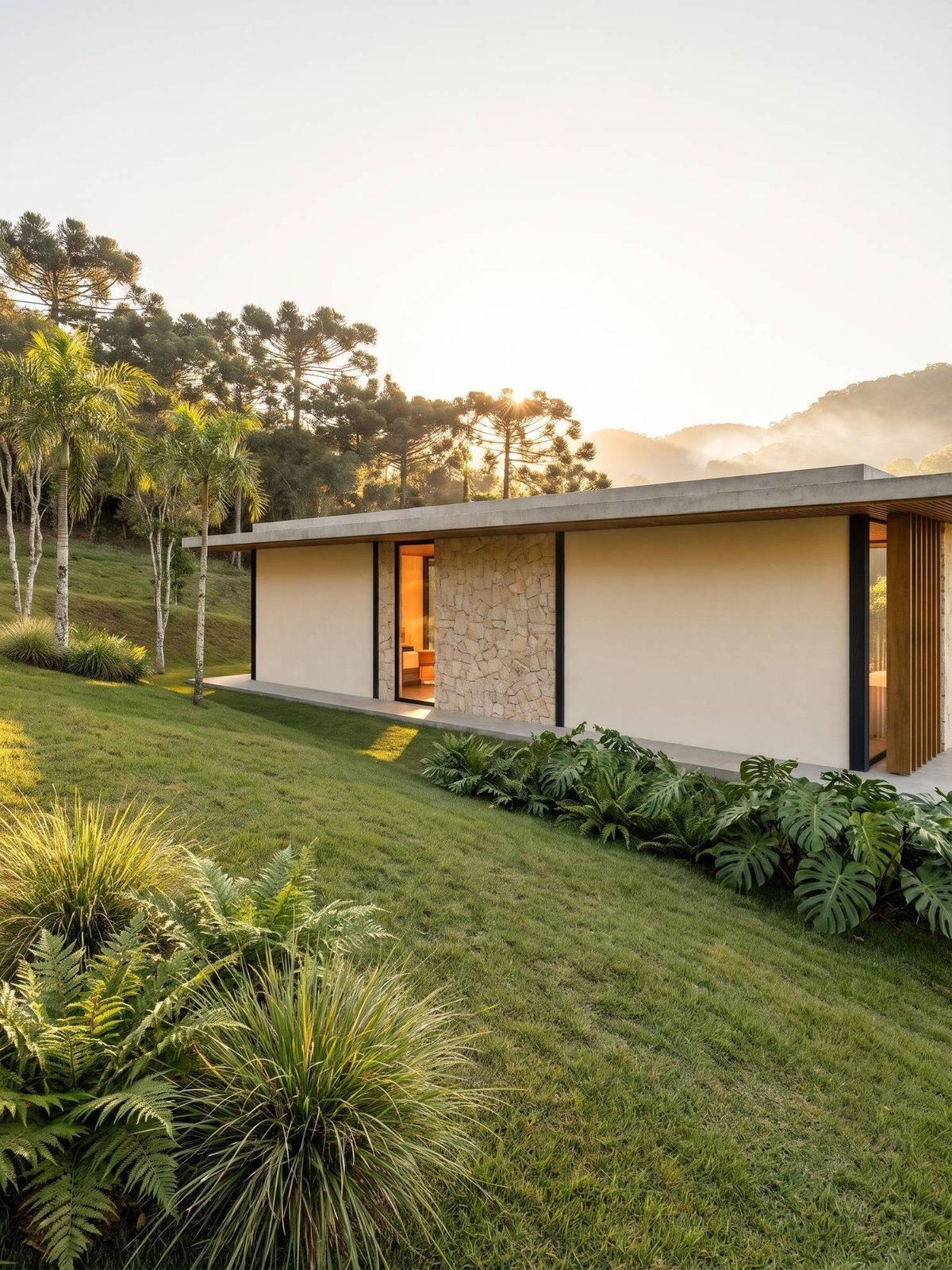
These images are from a real Next Archviz project, produced with the 3D production agent: from the client's DWG to the final images. Drag the line to compare 3ds Max with the final image.
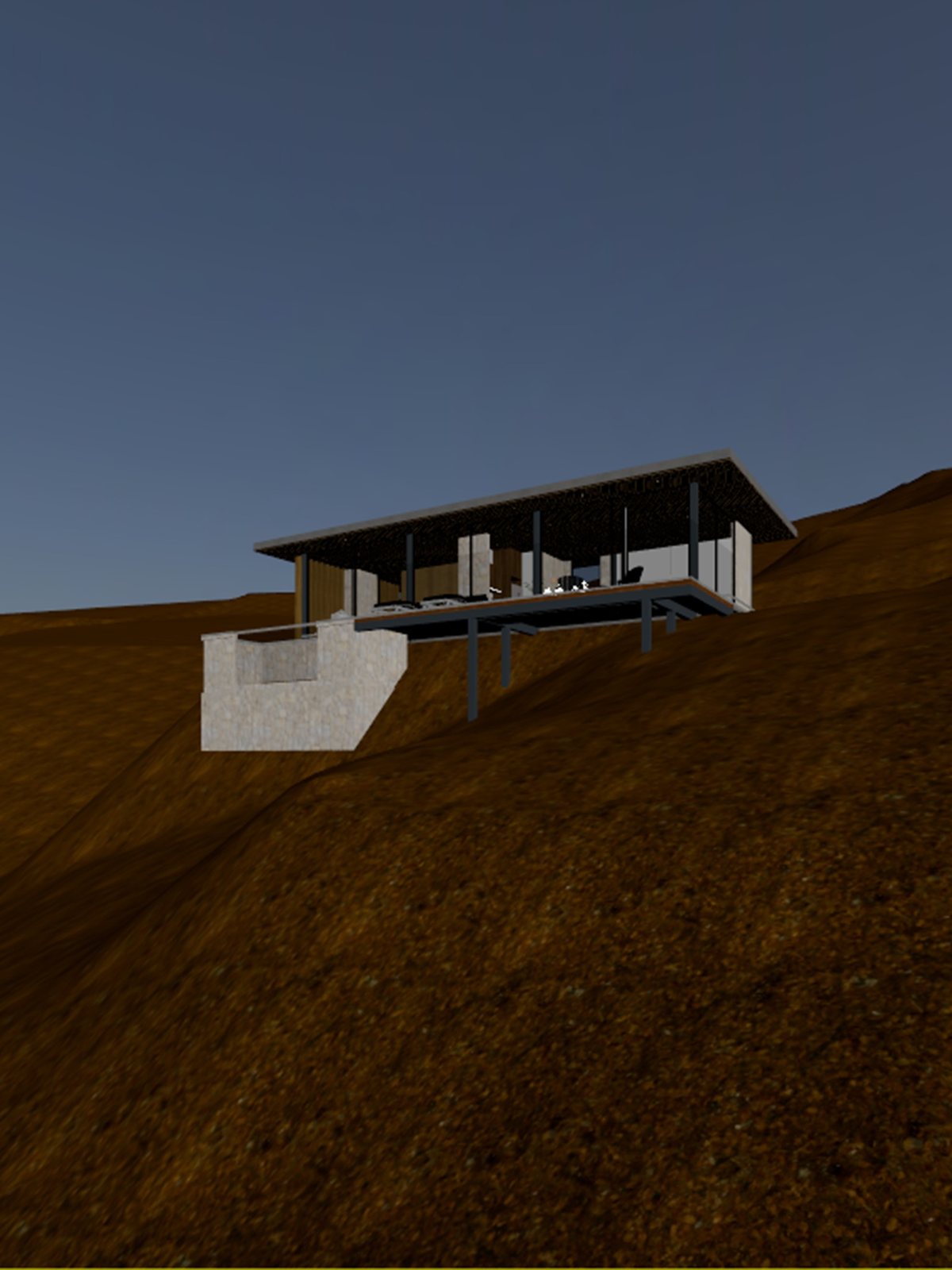
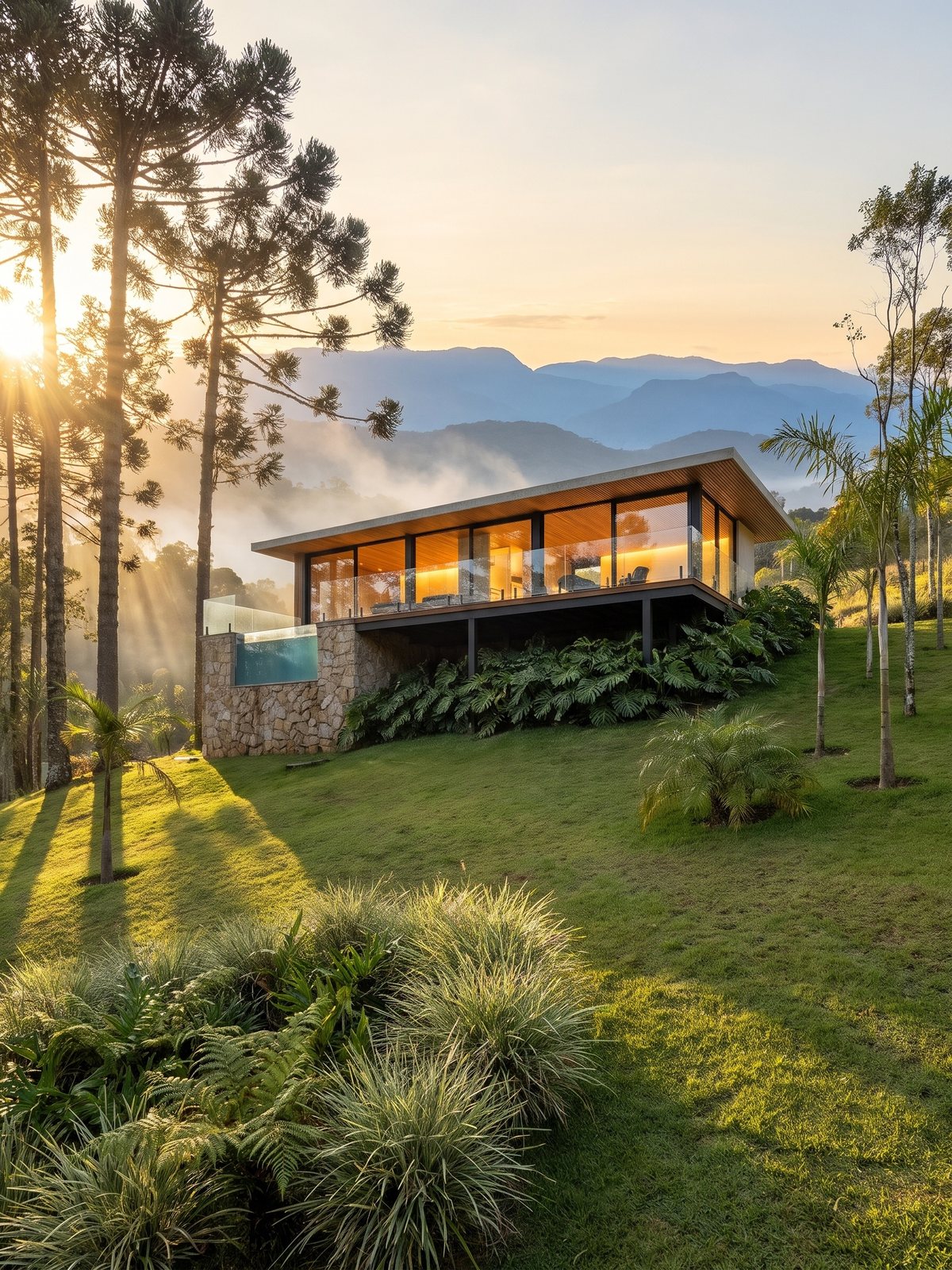 Final image3ds Max screenshot
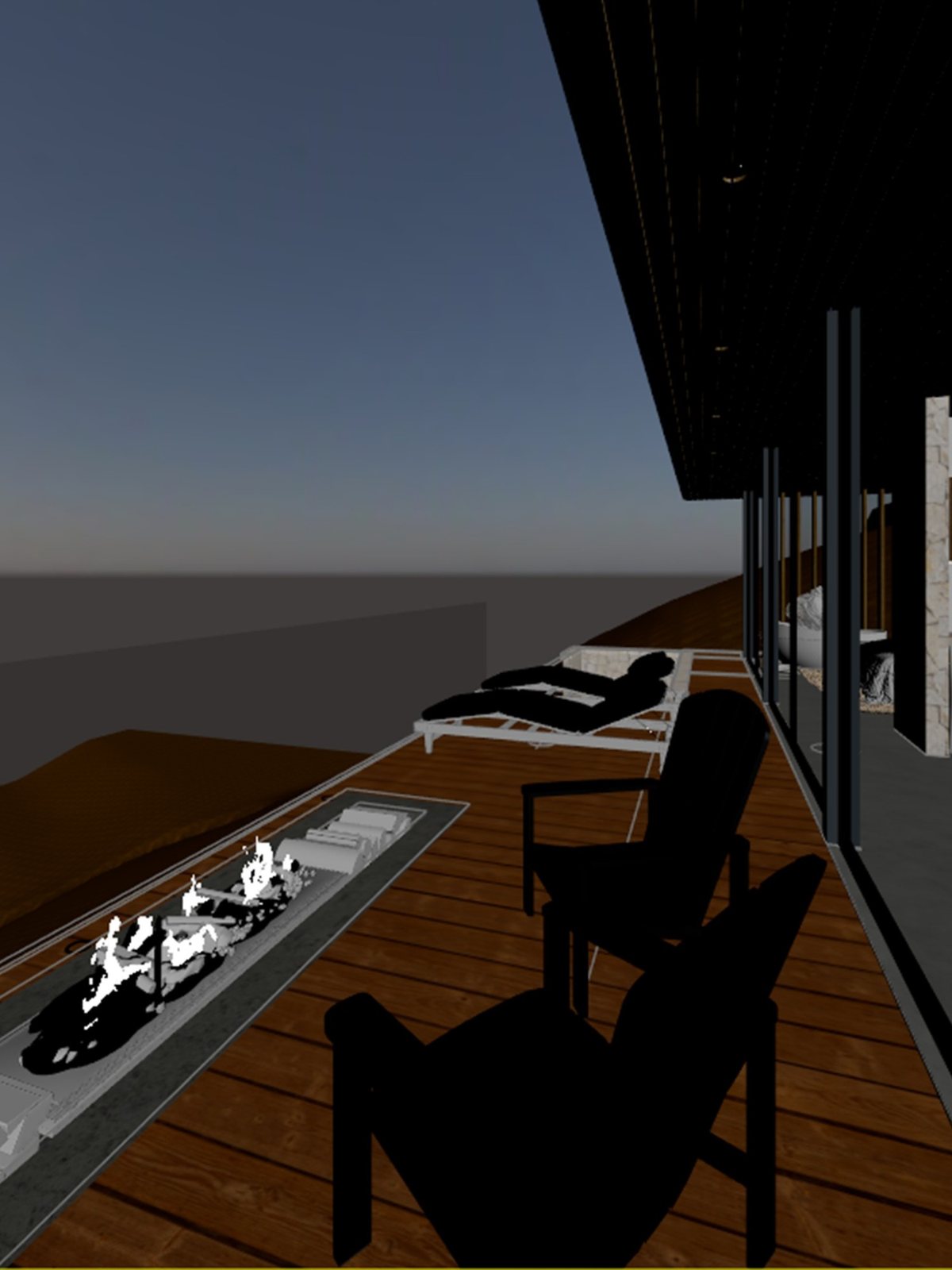
 FinalScreenshot
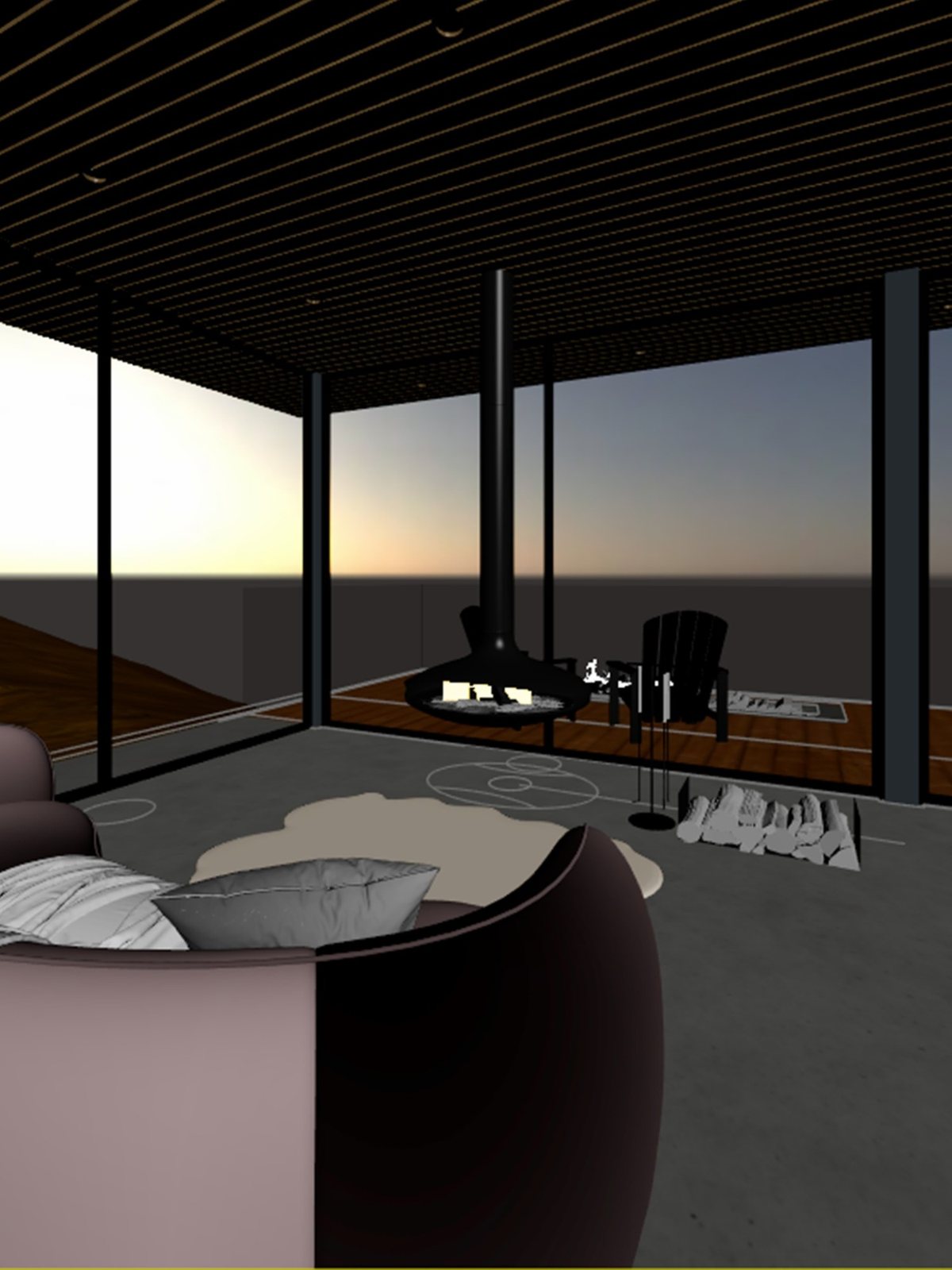
 FinalScreenshot
 FinalScreenshot
 FinalScreenshot
You choose the agents your studio needs: 3D production, customer service, prospecting, CRM, finance and more.
Recorded lessons show, step by step, how to install the agents on your computer and connect them to 3ds Max, WhatsApp and your tools.
You learn to direct the team with recorded lessons on a real project, from the client's file to the final render.
New lessons and agent improvements arrive in your student area, at your own pace.
One-time payment, no subscription. 1-year access. International pricing and checkout are being prepared.
Bonus on every plan: the 3ds Max + AI course with 20 recorded lessons on a real project.
For those who want to produce more images in the same time.
For those who need new clients and order in the studio.
The whole team working together, coordinated by the Leader.
You do everything yourself and want a team without hiring anyone.
You want to produce more with the same team and win new clients every week.
You want to make your own images without outsourcing everything.
You want fast launch images and a leaner in-house team.

I'm Diego, an archviz 3D artist and CEO of Next Archviz and RenderFácil. That's 15 years of 3ds Max and Corona, delivering images for architects, builders and developers in Brazil and abroad.
Today my operation runs on AI agents: one models and renders, another handles customer service, another prospects, another takes care of finance, and a leader coordinates them all and reports to me. I direct it from my phone.
I don't sell AI theory. I install in your studio the same team that works in mine.
They do the work, but nothing goes to a client, nothing is published and nothing is billed without your approval. You decide, they execute.
For the 3D production agent: a Windows PC with 3ds Max installed, with Corona. The agents use Claude AI, from Anthropic, which requires a paid subscription directly with them, from the Pro plan. If in doubt, message us on WhatsApp and we will check your case.
No. It does the manual part: walls, materials, layers, messages, spreadsheets. The eye, the composition and the decisions stay with you.
No. You talk to the agents by text or voice, on the computer or on your phone. Installation is guided by recorded lessons, step by step.
Today the agents and the recorded lessons are in Portuguese. Versions in other languages are being prepared.
Request early access and be among the first. Have a question? Message us on WhatsApp.
View plans Ask on WhatsApp (+55 34 98815-0588) · Reply within the same day